Enter Scenes
Hold FS1 + FS2 for 600 ms. The four screen plates now match the four footswitches.
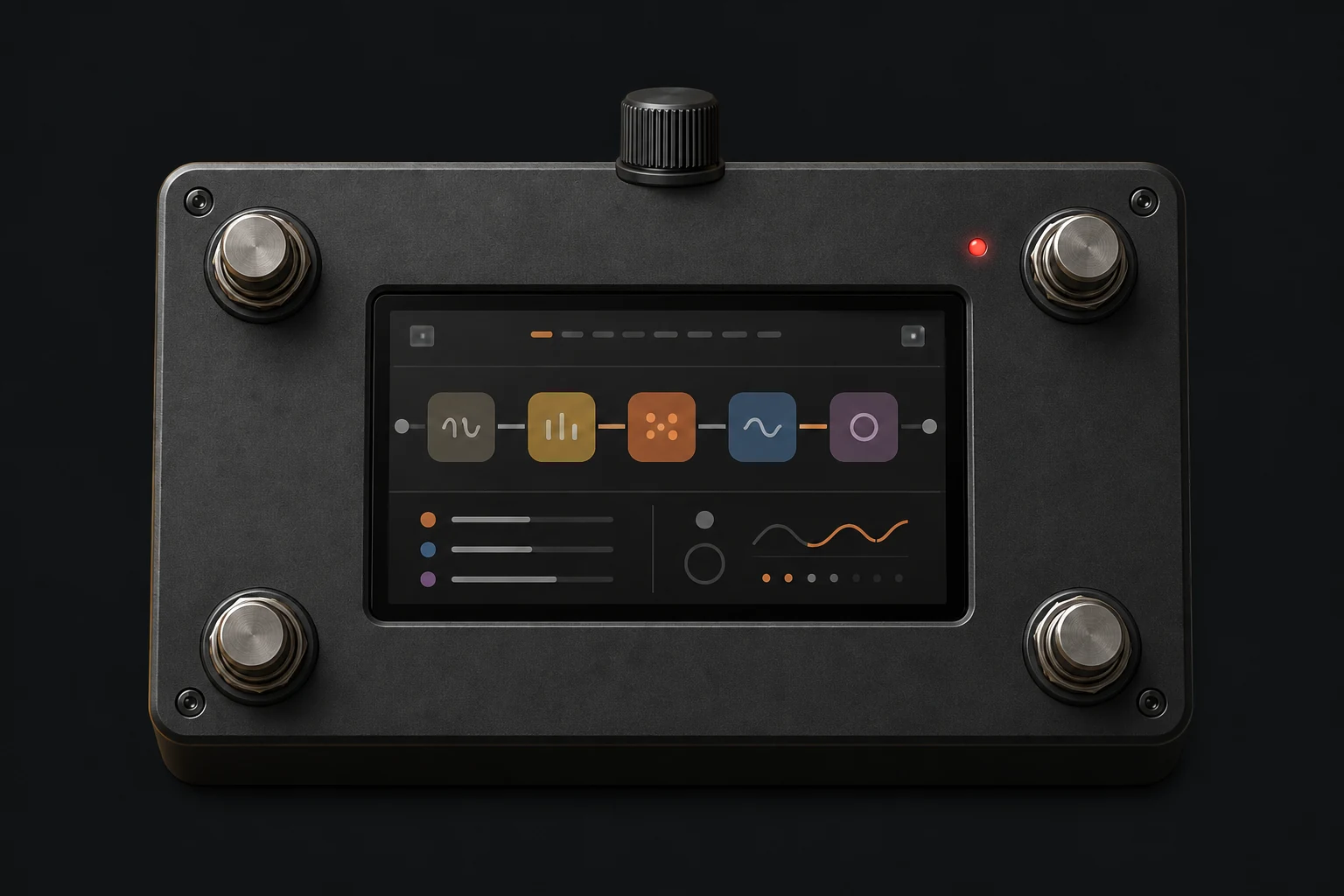
The same four switches change roles in Looper mode. Tuner keeps one simple escape rule: any switch exits.
| Control | Preset mode | Looper mode | Tuner |
|---|---|---|---|
| FS1 | Select preset 1 | Undo / redo selected track | Exit tuner |
| FS2 | Select preset 2 | Next track; hold 1.5 s to clear | Exit tuner |
| FS3 | Select preset 3 | Record / finish / overdub | Exit tuner |
| FS4 | Select preset 4 | Play / mute selected track | Exit tuner |
| FS1 + FS2 | Hold 1 s: open tuner | Hold 1 s: pause and open tuner | Not used |
| Active preset | Hold 1 s: enter Looper | Preset remains locked | Not used |
| Encoder | Master output volume | Master output volume | Master output volume |
| Touchscreen | Bank, Edit, Tuner, Looper, Setup | Tracks, transport, save/load and exit | Exit |
FOUR SOUNDS · ONE PREPARED RIG
Hold FS1 + FS2 for 600 ms. The four screen plates now match the four footswitches.
Press FS1 to FS4. Instant scenes switch at the next audio boundary; timed scenes move for their saved Enter time.
Live is the sound you hear. Editing is the scene whose stored values you are changing.
Hold FS1 + FS2 again to return to Presets. Tuner and Looper keep their existing priority gestures.
Enable Scenes from the preset editor, name all four sounds, choose an Enter time, and mark eligible controls as This scene. Shared controls remain common to the preset.
Cut fades the effect contribution out. Let ring stops new wet input and lets the existing bounded tail decay.
Save stores all four scenes together. To send one sound to older software, flatten that scene into an ordinary preset; Ardor folds in its trim and removes scene-only actions.
Ardor’s Looper holds four synchronized stereo tracks. Your first recording sets the length; every later layer lines itself up with that first phrase.
Choose a preset first. Looper records that processed rig and locks it for the session.
What happens: Track 1 is selected and empty.
Holding an inactive preset switch only selects it. If the preset has unsaved edits, resolve Save, Discard, or Cancel before Looper opens.
Press FS3 once, then play the complete phrase that should repeat.
What happens: The selected track shows REC.
Your live guitar stays audible while Ardor records the processed stereo output. The first recorded track can be any of the four tracks.
Press FS3 again exactly where the phrase should return to its beginning.
What happens: Playback starts from frame zero.
This first recording establishes the master length. Every later track follows this length so the layers stay synchronized.
Press FS2 to select the next track, then press FS3 to arm it.
What happens: The new track records one complete cycle.
You do not press FS3 again to stop a later track. Ardor records exactly one master cycle, then changes the track to PLAY automatically.
Use FS4 to mute a track and FS1 to undo or restore its latest take.
What happens: All tracks keep the same shared position.
Muting does not stop a track. Unmuting returns it at the current synchronized phase. On a populated track, FS3 arms a one-cycle overdub.
Touch STOP ALL. Then Save, Load, New, and Close become available.
What happens: The playhead stops; live guitar still passes through.
EXIT also pauses and returns to the preset screen, but leaves the loop session open. CLOSE releases the preset lock.
Hold FS1 + FS2 for one second. Ardor pauses the loop and mutes the output for tuning.
What happens: A previously running loop resumes automatically.
If the loop was already paused, it stays paused when you return. The selected track and recorded audio are unchanged.
Open the simulator in Looper mode, then use the physical switches instead of advancing this guide.
Ardor does not use a tempo grid or stretch later recordings. It uses the first loop’s exact length and waits for its boundary before starting another track or overdub.
Pressing FS3 while armed cancels the arm. Once recording begins, it completes the full cycle automatically.
The legends never move when you select another track, so the same foot always performs the same kind of action.
Toggles the selected track’s latest take. It does nothing while that track is empty, armed, or recording.
Press to select the next track. Hold 1.5 seconds to clear it; releasing during the countdown cancels the clear.
Starts and closes the first loop. Later, it arms a new track or a one-cycle overdub at the next master wrap.
Mutes or unmutes the selected track while its shared playhead keeps moving.
Pause first when you want to manage files or release the preset.
Most Looper pauses are deliberate synchronization or safety states.
It is waiting for the first loop to wrap. Recording begins at that boundary and runs for exactly one complete cycle.
The overdub must finish its full cycle. The display reports OVERDUB ENDS AT LOOP. After it finishes, use FS1 if you want to undo the take.
Touch STOP ALL first. Ardor will not silently pause a performance to perform a session-management action.
An open loop session owns the preset lock, even while paused. Resume the session or close it to release the lock.
Keep holding for the full 1.5-second countdown. Releasing early cancels the clear. Clearing the final populated track also removes the master length.
A recording shorter than two configured audio blocks is treated as an accidental tap and discarded.